How to pay
Pick a plan, then pay with any of the methods below. Whichever you choose, your membership opens right after payment.
Credit card (Mastercard / JCB)
- Choose your email and password, then pick your card brand.
- Enter your card number on the secure payment page and complete the bank check (3-D Secure) if asked.
- You are sent back here automatically and can log in right away.
Pay at a convenience store (BitCash, Japan)
No card, no bank account. Buy a “BitCash” voucher at a convenience store in Japan and type its hiragana ID.
Where to buy

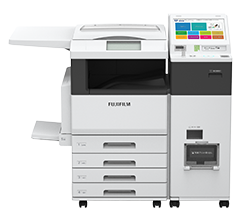
At Seven-Eleven (multicopy machine)
- On the multicopy machine choose “Prepaid services” → “BitCash”.
- Pick the amount, print the slip, pay at the till.
- Type the hiragana ID from your voucher into our signup screen.
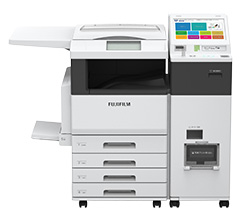
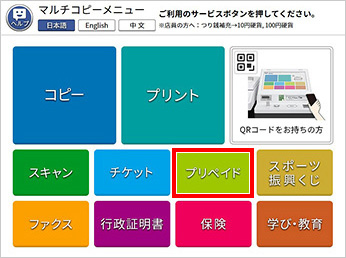
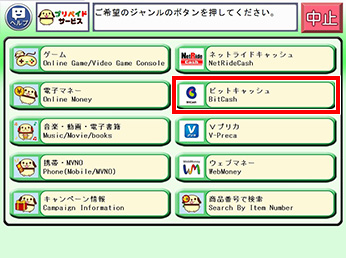
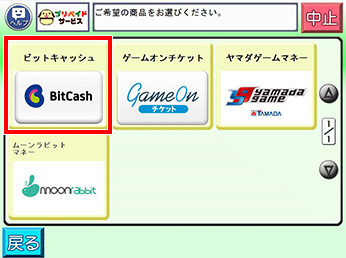
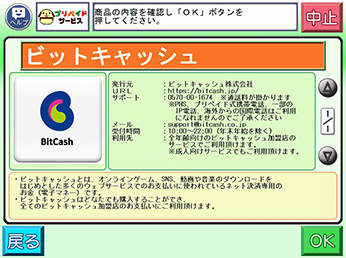
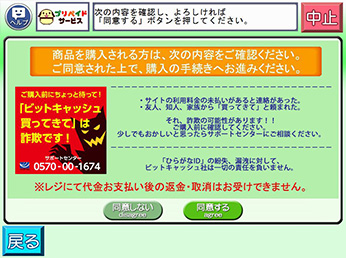
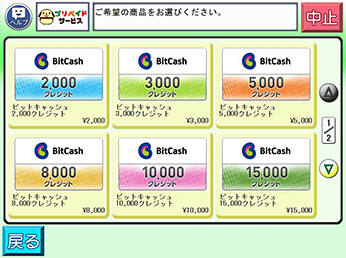
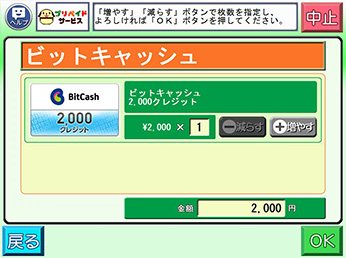
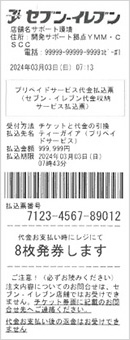
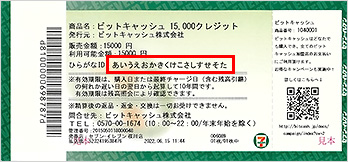
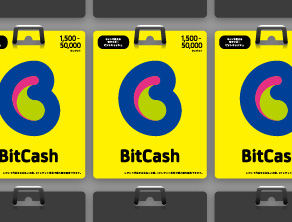
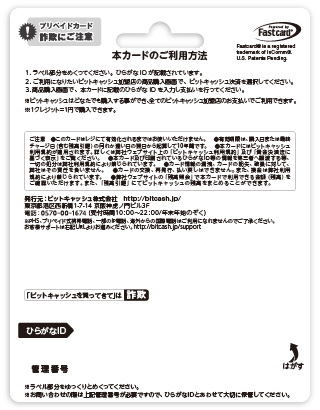
Lawson, FamilyMart and Ministop sell it too, from their in-store terminals — same flow. The card version from the rack works as well.
Visa / PayPal (via prepaid card)
- Buy a WebMoney card on SeaGM — you can pay there with Visa or PayPal.
- Then just type the code you receive into our signup screen.
Crypto
You can also pay with Bitcoin and friends — pick “Bitcoin” on the signup screen.